
Introducing the CellWall CLI: Automated Snippet Installation
By CellWall Team | Published May 30, 2026 | Product Updates | 3 min read


On this page
Reading Progress
0%
3 min left
Simplifying the First Step
Adding a security snippet to a project is usually a straightforward task, but finding the optimal entry point across different frameworks can occasionally take more time than it should. Whether you're working with a Next.js App Router layout, a SvelteKit template, a standard Vite SPA, or a Google Tag Manager installation, each environment has its own convention for managing the document head.
We built the CellWall CLI to help automate this first step. Instead of hunting through your directory structure for the correct layout or config file, the CLI identifies your environment and handles the injection for you.
The CellWall CLI is now public and can be run instantly via npx: npx @cellwall/cli init
How it Works: Intelligent Integration
The CellWall CLI isn't just a simple script. It is an intelligent agent that understands the structure of your project. When you run the init command, the CLI performs a multi-step process to ensure a seamless setup:
Framework Detection
The CLI analyzes your package.json and project files to identify your framework (Next.js, React, Vue, Nuxt, SvelteKit, Angular, Astro, etc.).
Entry Point Discovery
It locates the optimal file for injection, such as app/layout.tsx for Next.js App Router or src/app.html for SvelteKit.
Safe Code Injection
Using robust regex patterns and framework-specific fallbacks, it injects the CellWall snippet into the <head> or equivalent configuration object.
Instant Verification
The CLI verifies the syntax integrity of the modification and provides immediate feedback on the success of the installation.
Built for Every Environment
We've engineered the CLI to be robust enough for even the most minimalist or non-standard project architectures. Whether you use a standard HTML boilerplate or a custom JSX layout with 'return children;', the CLI knows how to handle it.
| Framework | Auto-Target | Injection Method |
|---|---|---|
| app/layout.tsx | JSX Snippet / Head Component |
| nuxt.config.ts | Configuration Object Mapping |
| index.html | HTML Snippet Injection |
| app/root.tsx | JSX Fragment Wrapper |
| src/layouts/Layout.astro | Astro Fragment Injection |
| src/app.html | HTML Snippet Injection |
| src/index.html | HTML Snippet Injection |
| gatsby-ssr.js | setHeadComponents Injection |
Safety and Proprietary Security
We understand that your codebase is your most valuable asset. That's why the CellWall CLI is designed with a 'Safety First' philosophy. If the CLI cannot determine a 100% safe injection point, it will refuse to modify your files. Instead, it will provide an 'Assisted Manual Installation' guide, printing the exact code and steps needed for your specific environment.
You can run the CLI with the --id flag to bypass the interactive prompt: npx @cellwall/cli init --id YOUR_PROJECT_ID. This is perfect for quick local bootstrapping.
The Future is AI-Native
The launch of the CLI is just the beginning. We've also integrated an 'AI Agent Prompt' into our dashboard, allowing you to automate installation using tools like Cursor, Claude, or ChatGPT. At CellWall, we are building the privacy infrastructure for the AI era - making it faster, safer, and easier than ever to protect your users.
Ready to automate your privacy?
Experience the fastest integration in the industry. Use the CellWall CLI to get up and running in under 60 seconds.

Continue exploring
Read the practical guides that clarify the surrounding risks, controls, and evidence.
Product Updates
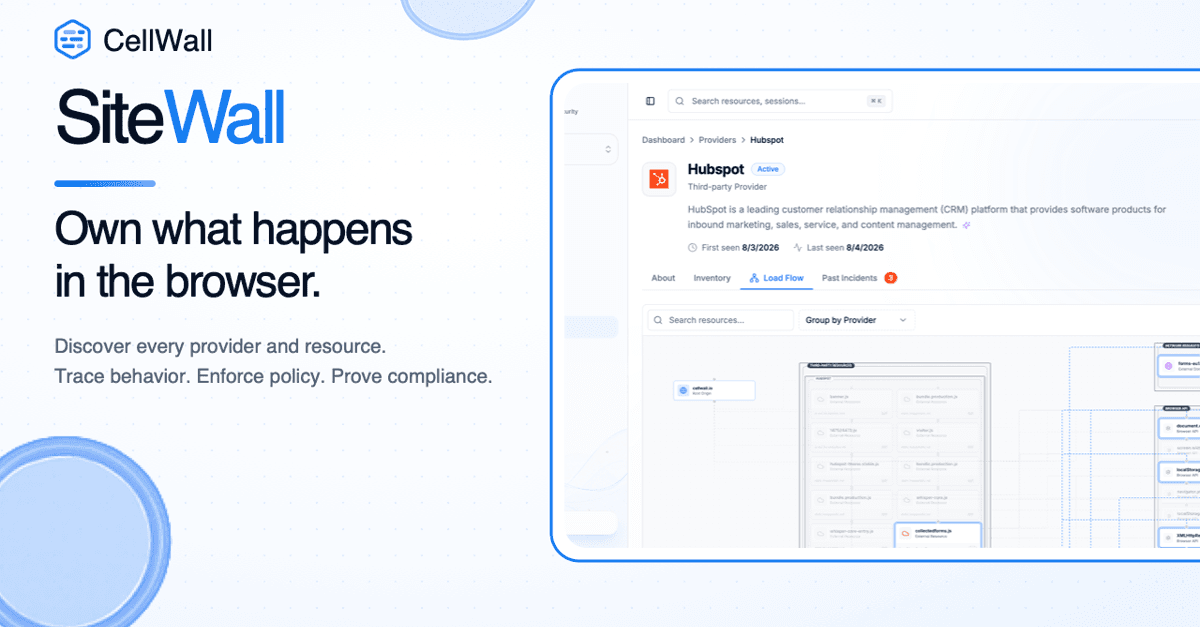
Own What Happens in the Browser: Introducing SiteWall
Discover, control, and prove what third-party providers and resources do in the browser with SiteWall client-side security and compliance evidence.

Web Security
The Hidden Risk of Open Redirects in Modern Web Applications
A technical guide to understanding how unvalidated user input in navigation logic is weaponized for phishing and OAuth token theft, with robust prevention strategies.

Application Security
RASP: Runtime Application Self-Protection
Discover how RASP monitors and protects your web applications from the inside out, providing real-time defense against SQLi, XSS, and more.