
SuperPixel: When Your Own jQuery Becomes a Card Skimmer
By CellWall Security Research | Published November 14, 2026 | Client-Side Security | 5 min read


Compare the script your checkout actually receives with a known-good release artifact. If the bytes differ without an approved release, run the same checkout in a clean browser and compare the payment form and outbound requests. Keep all three records together so you can investigate whether the file change explains what the shopper saw.
What SuperPixel changed at the same URL
In its November 5, 2026 disclosure, Report URI said it had identified more than 100 affected online shops, including stores running WordPress, PrestaShop, and OpenCart. In the files it examined, the existing JavaScript was still present, with roughly a megabyte of obfuscated code appended. WordPress examples included the store’s own copy of jQuery. Other affected files included theme, plugin, and storefront scripts. Read the original SuperPixel disclosure.
A store can keep the same script tag and familiar URL while serving different code. That makes an origin allowlist or a list of approved filenames insufficient for this case. The altered files suggest the attackers could write to storefront assets. The disclosure leaves open how they gained that ability and how many shoppers were exposed.
What the shopper saw at checkout
Report URI found that SuperPixel hid genuine payment fields with injected CSS and presented its own form. A browser-storage marker could suppress the replacement on a later visit. The skimmer looked up its collection URL through an Ethereum smart contract and used a browser request to send captured data. Responders can therefore see different behavior across visits, and the collection destination can change independently of the affected file. Report URI’s checkout and destination analysis.
Investigate the file, form, and requests together
| Signal | Compare with | Record |
|---|---|---|
Different bytes at an approved URL | The approved release artifact or verified upstream version for the expected build | Full script URL, timestamp, build, cache context, digest of comparable bytes, and the changed region |
An unexpected payment form | The expected checkout in the same payment method, browser, and account state | Form owner, iframe origin where applicable, hidden fields, visible replacement, and initiator when available |
An unexpected outbound request | Known destinations for the same checkout steps and configuration | Destination, method, timing, initiating script when observable, and the checkout step |
Check the delivered file against the release
Save the suspect response and compare its decoded bytes with the expected artifact for that URL and build. Check release approvals, then look for differences between the origin and the CDN. A matching filename, a successful checkout, or a clean copy on the server can leave a browser-delivered variant unexplained.
Compare a fresh checkout and a repeat visit
Use an isolated browser and approved test data. Capture the expected payment fields and when they appear, then compare the fresh and repeat paths. Preserve the suspect page state before clearing storage. If an unexpected form appears on a live checkout, preserve the evidence and escalate without submitting payment data through that form.
Correlate the three records
Put the delivered script digest, the form change, and the request destination on the same timeline. Keep any evidence containing sensitive fields in approved restricted storage and redact it before sharing. If the records indicate a possible compromise, follow your incident process to contain checkout exposure and investigate which account or process could alter the file before restoring a verified version.
A byte change alone can be an approved rebuild. A new destination can belong to a legitimate integration. An unexplained script change on the same checkout that displays unfamiliar payment fields and makes an unexpected request gives responders a specific path to investigate. For the wider workflow, see JavaScript change detection and checkout skimmer detection.
Payment page tamper detection and script integrity
For stable scripts, Subresource Integrity can make a supported browser reject a response whose bytes fail to match the approved digest in the script tag. Keep the digest and the script under controlled release review so an unauthorized edit cannot simply replace both. A Content Security Policy that allows scripts from the store’s own origin still admits eligible scripts from that origin after a byte change. An enforced connect-src policy can restrict covered outbound requests to unexpected destinations. W3C Subresource Integrity and Content Security Policy Level 3.
For in-scope payment pages, PCI DSS 6.4.3 addresses script authorization, integrity, and an inventory with written justification. Requirement 11.6.1 addresses detecting and alerting on unauthorized changes to payment page contents and HTTP headers as received by the consumer browser. For the same-URL scenario, an approved inventory entry helps explain why the script belongs there, while integrity evidence and browser observations help investigate what actually changed. Confirm applicability with the organization that manages your compliance program. PCI SSC guidance on payment page security and e-skimming.
Continue exploring
Read the practical guides that clarify the surrounding risks, controls, and evidence.
Explore the client-side security hub
Client-Side Security
How to Detect a Checkout Skimmer Before the Next Audit
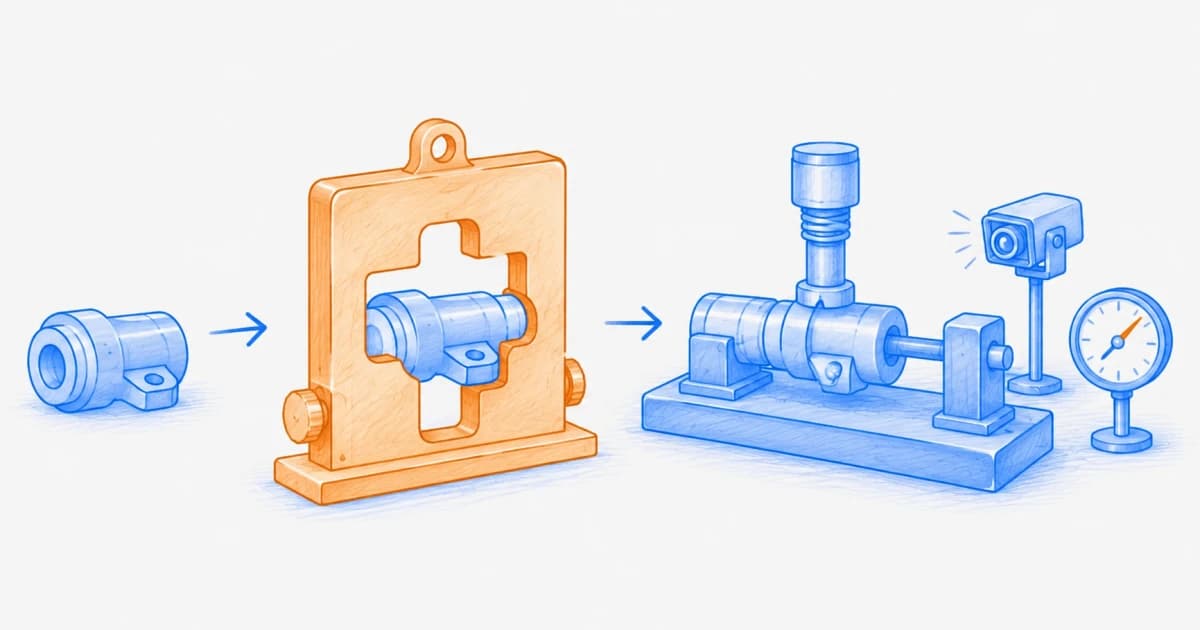
A practical client-side payment security workflow: detect script changes, unexpected payment-form access and outbound requests, then preserve evidence to bound exposure.
Client-Side Security
JavaScript Change Detection: Hash Monitoring vs. Behavioral Monitoring
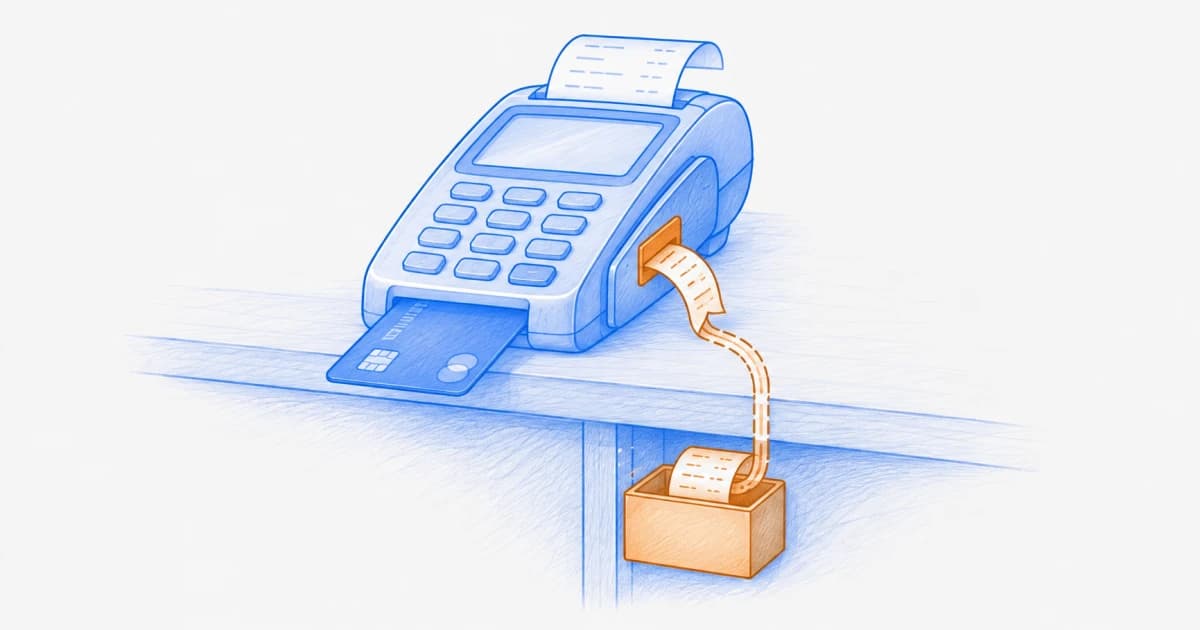
Compare JavaScript hash monitoring with behavioral monitoring, understand what each method detects and misses, and build a practical hybrid workflow for first- and third-party scripts.
Client-Side Security
Magecart and Web Skimming: How Payment Data Is Stolen in the Browser
Learn how Magecart and web-skimming attacks compromise payment pages, capture browser data, hide their activity, and how to prevent, detect, investigate, and contain them.