
Official CellWall Google Tag Manager Template
June 21, 2026 | Guides | 1 min de lectura

En esta página
Progreso de lectura
0%
faltan 1 min
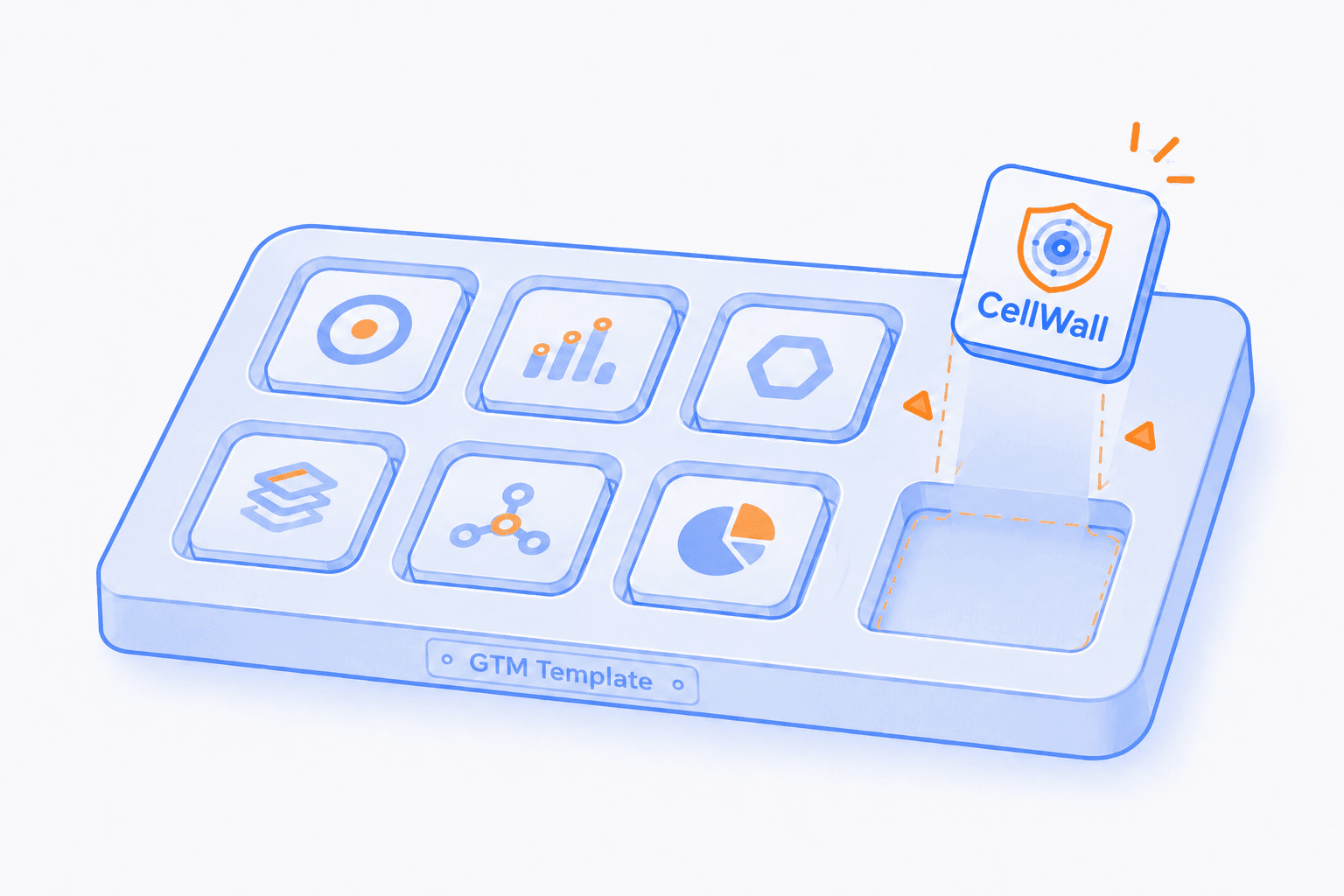
Deploying security and compliance tools should be as simple as deploying a marketing pixel. To make the integration process faster and safer for our users, we have released the official CellWall Google Tag Manager (GTM) Template.
This template allows you to install both SiteWall (behavioral monitoring & script security) and CookieWall (automated GDPR/CCPA consent management) on your website without needing to modify your application's source code directly. This ensures your security and compliance stack is active from the moment the page begins to load.
The release of this template represents another step in our effort to make CellWall integration more fluent for different teams. By aligning with existing workflows like Google Tag Manager, we aim to reduce the time spent on setup while maintaining a consistent security standard across your domain.
Why use the GTM Template?
| Benefit | Advantage |
|---|---|
Faster Deployment | Go live in seconds via your GTM workspace without waiting for release cycles. |
Zero Code Changes | Eliminate the need for manual script tag injections or direct source code modifications. |
Automatic Updates | Receive the latest security and compliance engine updates automatically. |
Sandboxed Safety | Leverage GTM's secure Custom Template API to ensure script isolation and performance. |
Installation Guide
Get your Project ID
Add the Template
Configure the Tag
Set the Trigger
Publish
Ready to get started?
Install the CellWall GTM tag today and start protecting your users with zero code changes. Start your free trial now.
