
A GitHub Author Is Not a Package Release Attestation
By CellWall Security Research | Published November 23, 2026 | Client-Side Security | 6 min read

On this page
Reading Progress
0%
6 min left
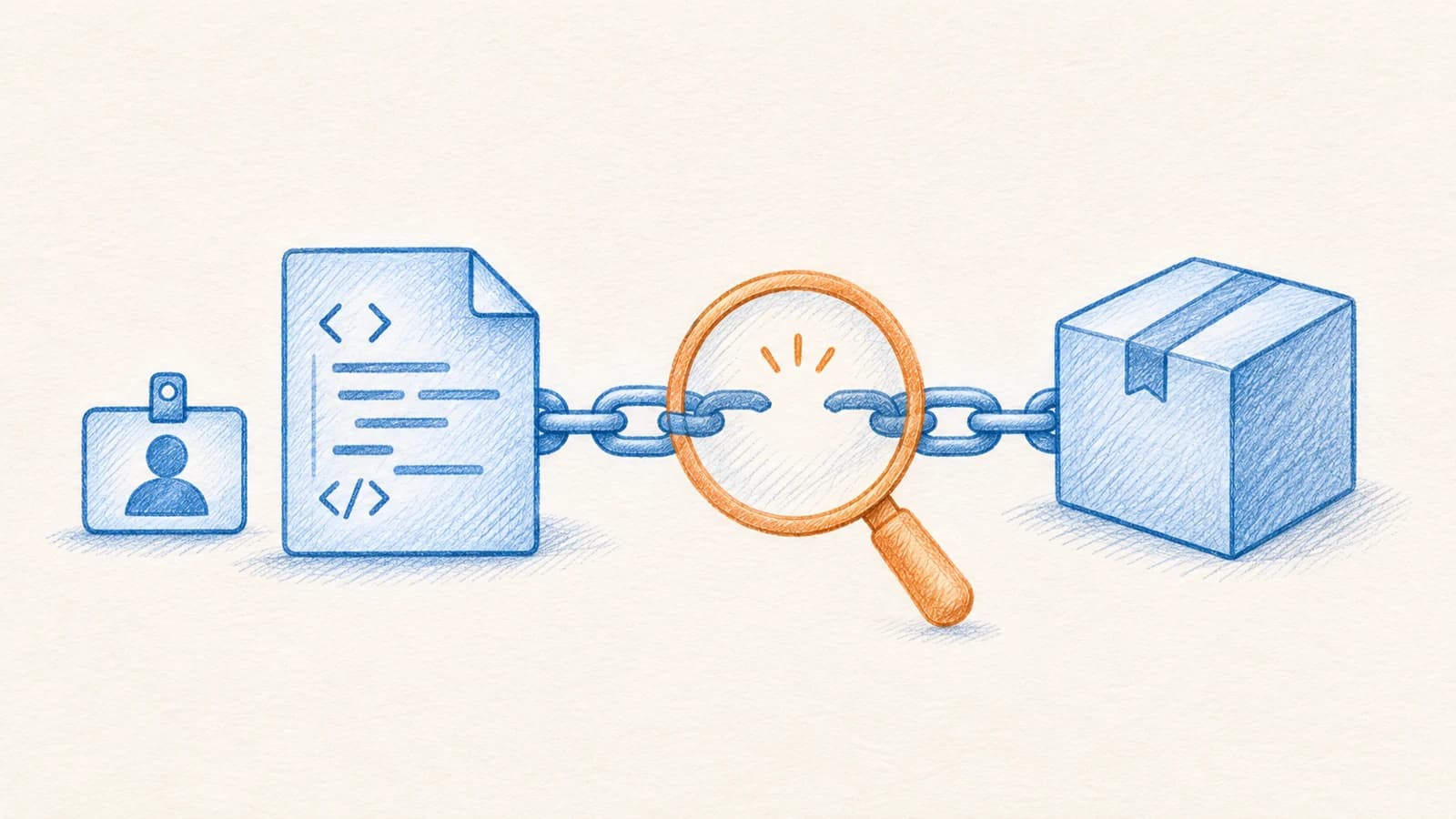
A GitHub author name does not link a published package to reviewed source. Record the exact package version and digest, then separately verify source revision, build identity and any attestation. A newer version or an empty indicator search can inform a review; neither establishes that a release is safe.
Why the WPPConnect follow-up matters to frontend and QA teams
Browser-automation dependencies can run in developer machines and CI jobs with access to test accounts and other credentials. Their release evidence deserves its own review, even when they are not shipped as JavaScript to website visitors. Start by checking where the dependency actually runs; do not equate an automation-library incident with a compromised checkout.
The GitHub advisory published November 21 identifies malicious code in @wppconnect-team/wppconnect version 2.4.1. The original project issue describes the November 15–16 release events. A November 22 comment by a project member adds a narrower release-evidence question: the author or committer displayed for an unsigned commit does not establish the authenticated pusher, and the source-to-build relationship for the replacement package remains a question. These are distinct publication, event and follow-up dates.
The member described checks of the then-current 2.4.6 package and gaps in the metadata available to connect it to source. Treat those bounded checks as attributed observations, not a clean bill of health. The follow-up does not identify an attacker, prove how a credential was obtained or establish visitor compromise.
A dated registry check, not a safety verdict
On November 23, 2026 at 08:39 UTC, CellWall read the public npm registry metadata without installing or executing the package. The package record returned latest = 2.4.6. Its versions map listed 2.4.6 and did not list 2.4.1, while its time map retained a 2.4.1 timestamp of November 15 at 23:31:48 UTC and a 2.4.6 timestamp of November 18 at 13:37:14 UTC. The replacement release therefore predates the November 22 comment; the comment is new reporting, not a new release date.
The version-specific 2.4.6 record returned a SHA-512 integrity value and a repository URL. No gitHead or dist.attestations field was present in that response. This records what that endpoint returned at collection time. It does not prove that no attestation or source evidence exists elsewhere, and a repository URL alone does not identify the source used to build those package bytes.
Use a versioned package release evidence matrix
Create one record per exact version. Give every row an evidence location, collection time, reviewer, finding and limitation. Reuse the structure for other automation dependencies; the WPPConnect observations are a worked example, not a release recommendation.
1. Package identity
Record package name, exact version, registry and lockfile integrity. Example: @wppconnect-team/wppconnect 2.4.6, observed November 23. Keep the digest with the evidence record. A mutable latest tag is not a durable identifier.
2. Artifact identity
Record the artifact digest from trusted metadata and, in an approved isolated review, compare it with the bytes actually received. Our metadata-only check did not download or hash the package archive. Registry integrity metadata supports byte comparison; it does not establish benign behavior.
3. Source revision
Seek an immutable source commit tied to this exact artifact. A repository homepage, release label or displayed author is insufficient on its own. For the 2.4.6 response examined here, gitHead was absent; leave the source link unresolved unless further evidence supplies it.
4. Build and publication identity
Separate who authored a commit, who authenticated a push, which workflow built the artifact and which identity published it. Record the evidence for each claim independently. Do not infer authenticated actions from an author display name.
5. Attestation and verification
Seek provenance for the exact artifact, verify its subject digest, source revision and expected builder identity, and retain the verification result. No dist.attestations field was returned in our version-specific response; that is an evidence gap in this check, not a universal absence claim.
6. Behavior and decision
Record what was inspected or tested, the conditions and the limits. An indicator search covers its selected indicators, not all possible behavior. Name the release decision owner, unresolved gaps, controls and next review date. Keep “verified bytes,” “verified provenance” and “approved for this use” as separate findings.
Understand what signatures and provenance answer
GitHub commit-signature verification helps assess a signed commit against a signing identity. It is not an npm package attestation. A verified source commit still needs a supported link to the artifact your CI actually consumes.
npm provenance documentation describes evidence connecting a published package to its source and build process. It also explicitly limits the conclusion: provenance does not guarantee that a package contains no malicious code. Verify the attestation and evaluate the source and behavior; do not turn a provenance badge into a safety verdict.
Make the release decision for the environment you have
Inventory direct and transitive use in lockfiles, CI images and local tooling. Separate an installed version from one actually executed, and preserve existing job and dependency evidence before making approved changes. If incident evidence suggests credentials may have been exposed, involve the responsible incident and identity owners rather than assuming a package upgrade reverses exposure.
For a proposed replacement, define a restricted evaluation environment with approved test data, necessary permissions only and recorded network conditions. Do not run a suspect artifact merely to fill in this worksheet. Any execution or remediation needs its own authorization. The public-metadata check described here did not execute package code.
Close the review with a scoped decision: which exact version and digest, for which jobs, under which controls, accepted by whom and until when. If the source-to-artifact link is unresolved, record that explicitly. A later release, an unavailable old version or a quiet test does not retroactively establish what ran in an earlier job.
Keep website evidence separate
This is a dependency-release review for frontend and QA tooling. It does not establish that WPPConnect was loaded on a customer website or that visitor data was taken. For the browser-delivered layer, see JavaScript supply-chain attacks and JavaScript change detection. Those observations complement package evidence; they cannot reconstruct a missing build attestation. CellWall browser monitoring is not presented here as prevention for this package incident.
Is version 2.4.6 safe to use?
This article makes no safe-version recommendation. It records dated public metadata and explains the remaining evidence needed for a scoped release decision.
Does a missing provenance field prove there is no provenance?
No. It describes the endpoint response collected at that time. Seek other authoritative evidence and retain its verification result.
Does the GitHub author identify who published the package?
No. Commit authorship, authenticated repository actions, build identity and registry publication are separate claims requiring separate evidence.
Continue exploring
Read the practical guides that clarify the surrounding risks, controls, and evidence.
Client-Side Security
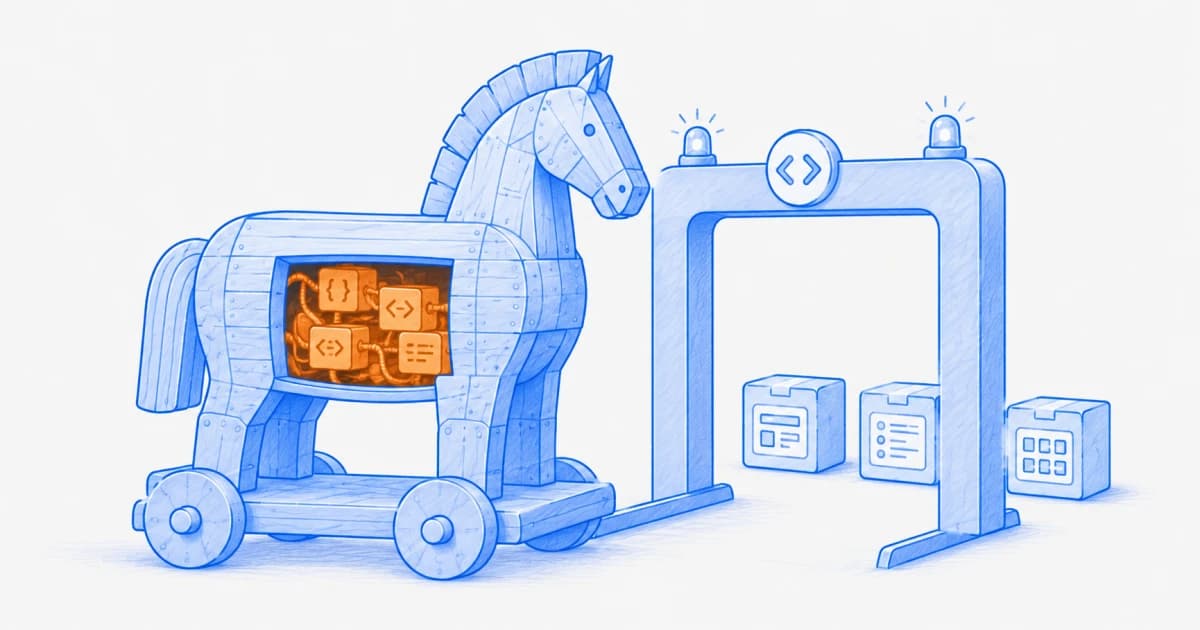
JavaScript Supply Chain Attacks: How Compromised Code Reaches the Browser
Understand how JavaScript supply chain attacks move through repositories, packages, build systems, CDNs, vendors, tag managers, and runtime dependencies—and how to reduce and detect the risk.
Client-Side Security
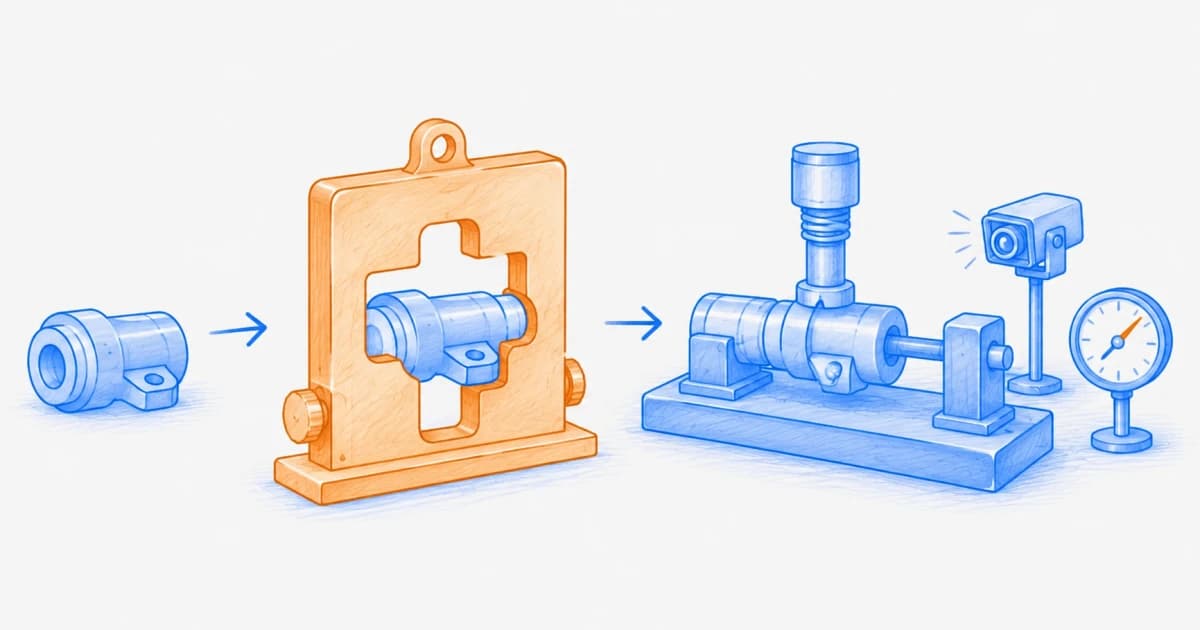
JavaScript Change Detection: Hash Monitoring vs. Behavioral Monitoring
Compare JavaScript hash monitoring with behavioral monitoring, understand what each method detects and misses, and build a practical hybrid workflow for first- and third-party scripts.

Client-Side Security
Optimizely Incident Response: What Evidence Closes Your Website Incident?
A customer-side Optimizely incident response worksheet: distinguish vendor remediation, potential exposure and observed impact, preserve evidence and record what remains unknown.