
Official CellWall Google Tag Manager Template
By CellWall Team | Published June 21, 2026 | Guides | 2 min read

On this page
Reading Progress
0%
2 min left
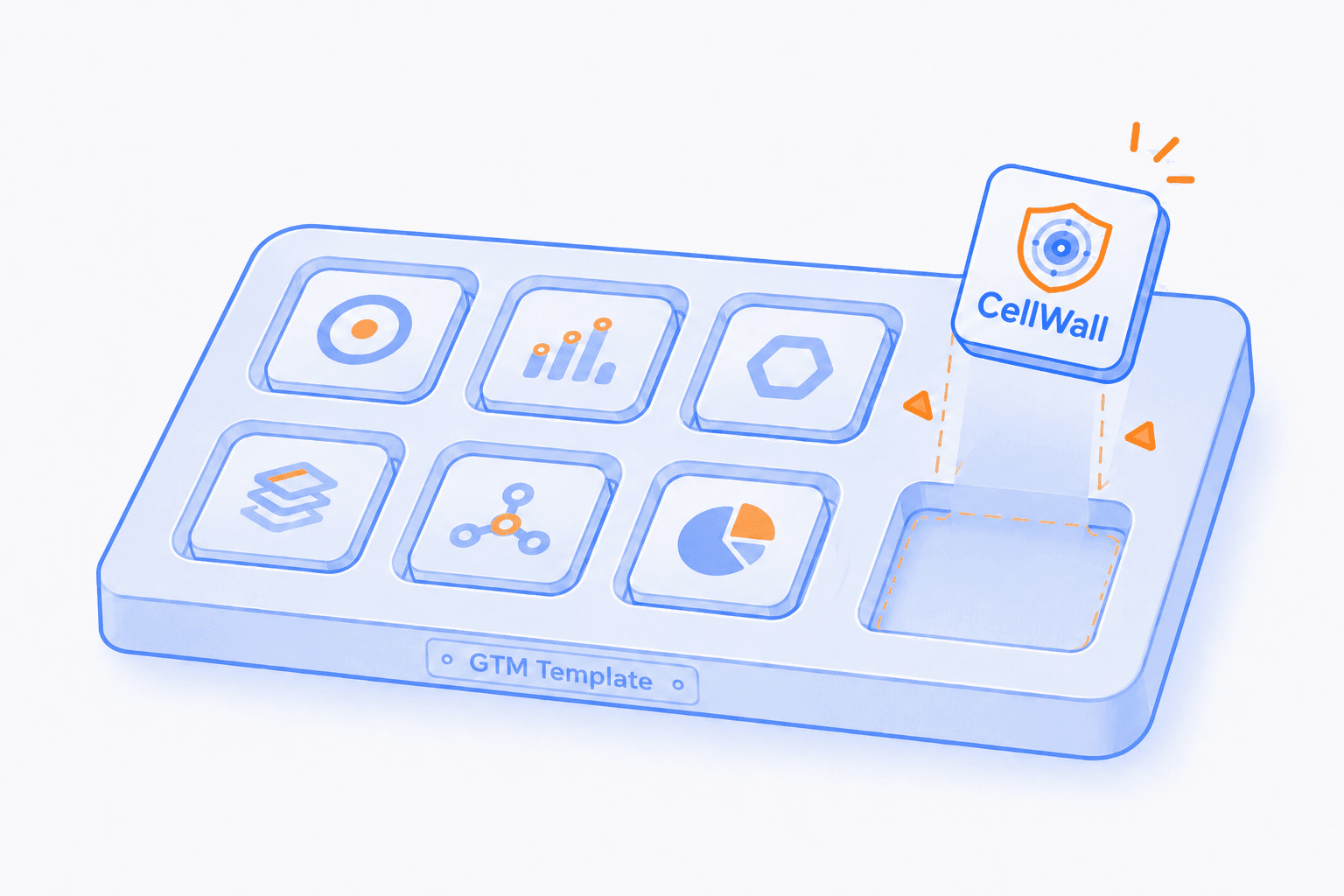
Deploying security and compliance tools should be as simple as deploying a marketing pixel. To make the integration process faster and safer for our users, we have released the official CellWall Google Tag Manager (GTM) Template.
This template allows you to install both SiteWall (behavioral monitoring & script security) and CookieWall (automated GDPR/CCPA consent management) on your website without needing to modify your application's source code directly. This ensures your security and compliance stack is active from the moment the page begins to load.
The release of this template represents another step in our effort to make CellWall integration more fluent for different teams. Teams that manage deployments outside GTM can use automated snippet installation through the CellWall CLI. By aligning with existing workflows like Google Tag Manager, we aim to reduce the time spent on setup while maintaining a consistent security standard across your domain.
Why use the GTM Template?
| Benefit | Advantage |
|---|---|
Faster Deployment | Go live in seconds via your GTM workspace without waiting for release cycles. |
Zero Code Changes | Eliminate the need for manual script tag injections or direct source code modifications. |
Automatic Updates | Receive the latest security and compliance engine updates automatically. |
Sandboxed Safety | Leverage GTM's secure Custom Template API to ensure script isolation and performance. |
Installation Guide
Get your Project ID
Log in to your CellWall Dashboard and copy your unique Project ID from the settings page.
Add the Template
In GTM, go to Templates > Search Gallery and look for 'CellWall'. Click 'Add to Workspace'.
Configure the Tag
Create a new Tag, select the CellWall template, and paste your Project ID.
Set the Trigger
Set the trigger to 'Consent Initialization - All Pages' to ensure CellWall loads before other scripts.
Publish
Submit and publish your GTM container. CellWall is now active.
The CellWall GTM template is open-source. You can view the code, report issues, or contribute on GitHub.
Ready to get started?
Install the CellWall GTM tag today and start protecting your users with zero code changes. Start your free trial now.

Useful Links
Continue exploring
Read the practical guides that clarify the surrounding risks, controls, and evidence.
Explore the client-side security hub
Compliance
Global Privacy Control (GPC): The Technical Guide to Automated Opt-Out Compliance
A technical guide to detecting and processing the Global Privacy Control (GPC) signal under CCPA/CPRA, and implementing nuanced client-side opt-out states.

Compliance
Cookies Aren't the Whole Story: How Browser Tracking Works Without Them
Learn how browser storage, pixels, network identifiers, service workers, link decoration, and fingerprinting signals can support tracking beyond traditional cookies.
Product Updates
Own What Happens in the Browser: Introducing SiteWall
Discover, control, and prove what third-party providers and resources do in the browser with SiteWall client-side security and compliance evidence.