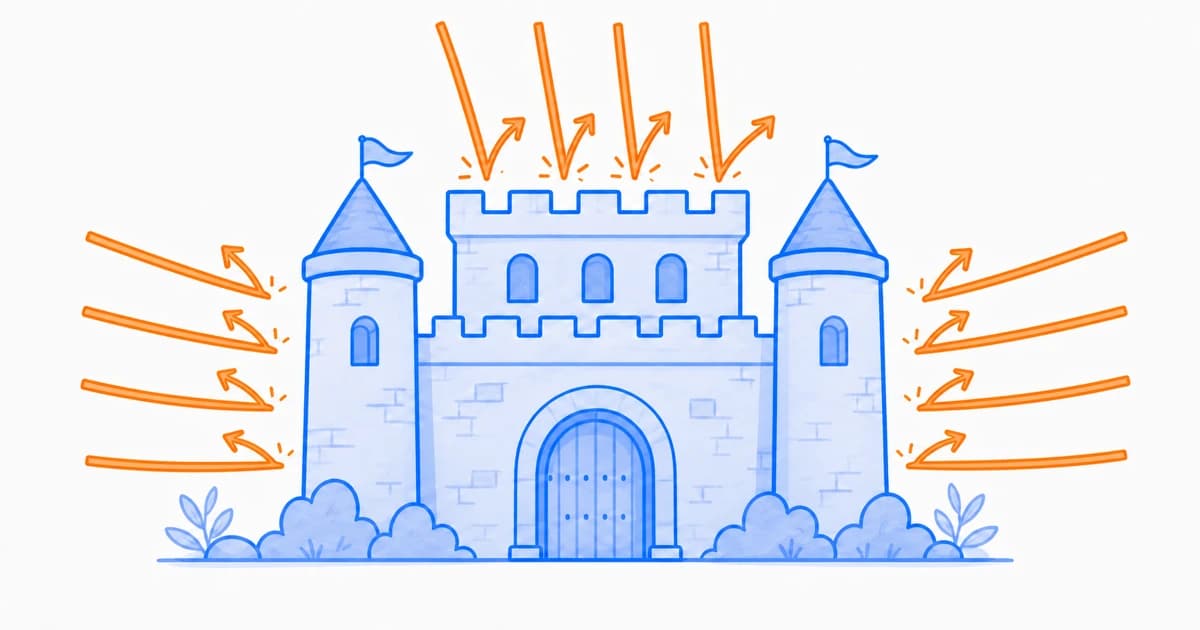
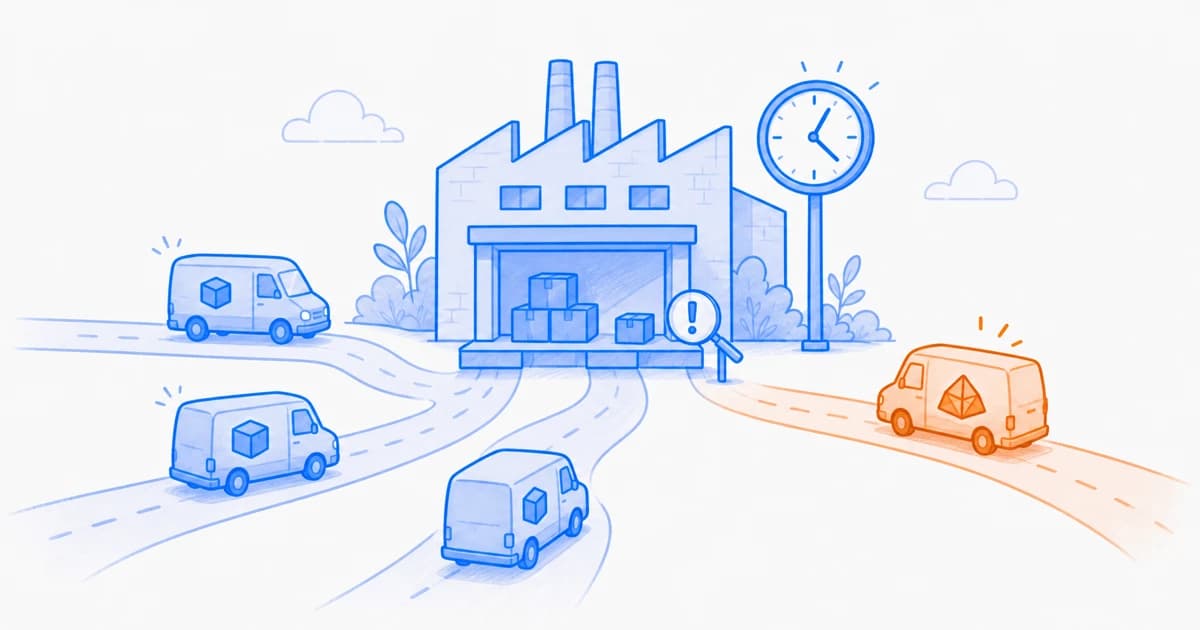
A client-side attack abuses code, data, or trust relationships in a user's browser. The attack may begin in first-party code, a compromised vendor, an unsafe dependency, a manipulated page, or a deceptive user interaction.
Modern applications move significant logic into the browser. Authentication, checkout, personalization, analytics, account management, and customer support may all depend on JavaScript. Every resource that participates in those experiences becomes part of the client-side attack surface.
Some browser attacks exploit a coding flaw. Others abuse a trusted third party, change a tag-manager configuration, overlay a deceptive interface, or collect data through behavior that looks legitimate at first glance. That is why prevention alone is not enough. Teams also need inventory, runtime context, change detection, and a response plan.
The attacker finds an input, dependency, vendor, tag manager, content system, redirect, or browser interaction that can influence the page.
2
Execution
Malicious or manipulated code runs in the browser, often within the context of a trusted application or embedded component.
3
Access
The code interacts with the DOM, forms, storage, messages, browser APIs, or network destinations available to it.
4
Action
The attack steals data, changes the interface, redirects the user, consumes resources, or creates a path to a larger compromise.
5
Evasion
The behavior may activate only for certain pages, users, locations, devices, or crawler identities to reduce the chance of discovery.
Investigate the complete chain, not only the final script URL. Record what initiated the resource, which page and session observed it, what the code accessed, and where it communicated.
InsightAnalyst
12 Types of Client-Side Attacks
The threats below are grouped by the trust boundary they abuse. Several can appear together in the same incident. For example, a compromised third-party script may use DOM manipulation to skim a payment form and then send the captured data to a new destination.
Code and DOM manipulation
These attacks exploit how browser code handles untrusted values, page structure, objects, and execution sinks.
1. DOM-based cross-site scripting
Client-side code reads attacker-controlled data and sends it to an unsafe DOM or JavaScript sink, causing code to execute in the application's origin.
Watch for
Use of innerHTML, document.write, eval, dynamic script creation, or URL values flowing into sensitive sinks.
Reduce risk
Prefer safe DOM APIs, encode output for its context, validate data flows, use Trusted Types where practical, and deploy a tested CSP.
2. Reflected and stored XSS
An application includes attacker-controlled input in a response or stored record, and the browser interprets the resulting content as executable code.
Watch for
Unexpected script markup in URLs, search results, comments, profiles, support content, or other user-controlled fields.
Reduce risk
Use contextual output encoding, sanitization where HTML is required, framework protections, server validation, CSP, and security testing.
3. DOM clobbering
Injected HTML changes the DOM so named elements or properties override values that application code expects to be trustworthy.
Watch for
Security decisions based on global DOM properties, named elements, or object lookups that page markup can influence.
Reduce risk
Avoid relying on implicit global variables, validate object types, use scoped references, sanitize untrusted HTML, and apply CSP.
4. Client-side prototype pollution
An attacker modifies an object's prototype through unsafe merge, clone, or property-assignment logic, changing behavior elsewhere in the application.
Watch for
User-controlled keys such as __proto__, constructor, or prototype reaching recursive merge and object-building utilities.
Reduce risk
Reject dangerous keys, use safe libraries, create null-prototype maps where suitable, update dependencies, and test object-merge paths.
Third-party and supply-chain abuse
These attacks exploit the external code, packages, vendors, and operational tools that help assemble a modern page.
5. Third-party script compromise
A trusted provider, CDN, vendor account, or hosted script is compromised and distributes malicious code to downstream websites.
Watch for
A known script contacting a new domain, reading sensitive fields, changing unexpectedly, or loading an unfamiliar dependency.
Reduce risk
Maintain a script inventory, minimize vendors, use SRI for stable files, monitor behavior and changes, and prepare a rapid disable path.
6. JavaScript drift and tag-manager abuse
An approved asset or tag changes content, dependencies, configuration, or behavior without a corresponding application deployment.
Watch for
New tags, provider changes, altered hashes, added destinations, unusual browser API access, or activity outside approved pages.
Reduce risk
Protect tag-manager access, require change review, compare observations with an approved baseline, and investigate unexplained drift.
7. Web skimming and formjacking
Malicious code reads payment, identity, or login data from a form and sends a copy to an attacker while the legitimate transaction continues.
Watch for
Scripts attaching new input listeners, inspecting checkout fields, changing forms, or transmitting data to an unfamiliar endpoint.
Reduce risk
Limit scripts on sensitive pages, monitor DOM and network behavior, enforce narrow destinations where possible, and test payment-page changes.
8. Vulnerable or compromised dependencies
A vulnerable package, malicious release, hijacked maintainer account, or unsafe transitive dependency reaches the client bundle.
Watch for
Unexpected lockfile changes, install-script behavior, outdated packages, maintainer changes, or a dependency adding browser capabilities.
Reduce risk
Pin versions, review lockfiles, scan dependencies, verify provenance, minimize packages, and monitor the bundle delivered to users.
Browser communication and user deception
These attacks abuse messages, frames, sessions, redirects, and visual trust to influence users or move data.
9. postMessage abuse
A page or embedded frame accepts cross-window messages without validating the sender's origin, message structure, or allowed action.
Watch for
Wildcard target origins, missing event.origin checks, permissive message handlers, or messages that trigger navigation and data access.
Reduce risk
Use exact origins, validate message schemas and sources, limit accepted commands, and follow the [iframe security checklist](/en/resources/blog/iframe-security-best-practices) for the complete boundary.
10. Clickjacking and UI redressing
An attacker places a trusted page inside a deceptive interface so a user's click activates a different control than the one they intended.
Watch for
Sensitive pages that can be framed, invisible overlays, misleading controls, or unexpected interactions originating from embedded contexts.
Reduce risk
Use CSP frame-ancestors, appropriate X-Frame-Options coverage, confirmation for sensitive actions, and frame-busting only as a secondary measure.
11. Sensitive-data leakage and session theft
Code exposes tokens, personal data, credentials, or session material through the DOM, browser storage, analytics events, URLs, logs, or network calls.
Watch for
Secrets in localStorage, personal data in query strings, trackers reading forms, or sensitive values sent to unapproved destinations.
Reduce risk
Minimize browser-accessible data, use secure cookie patterns, restrict integrations, review telemetry payloads, and monitor sensitive-page behavior.
12. Malicious redirects and client-side cloaking
Manipulated browser logic sends users or crawlers to unwanted content, hides spam, changes links, or presents different pages based on identity.
Watch for
Navigation to unfamiliar domains, crawler-specific branches, altered canonical links, injected outbound links, or unexplained search-ranking changes.
Reduce risk
Validate redirect destinations, monitor DOM and navigation changes, compare crawler and user experiences, and treat unexplained SEO changes as security signals.
Which Attacks Create the Most Risk?
Severity depends on context. A script change on a public documentation page is different from the same change on checkout, authentication, account recovery, or a page containing regulated data.
Risk factor
Questions to ask
Page sensitivity
Does the page handle payment data, credentials, personal information, or privileged actions?
Script access
Can the resource read forms, storage, DOM content, messages, or powerful browser APIs?
Change scope
Is the behavior new, unauthorized, widespread, or limited to selected users and sessions?
Network reach
Can the script communicate with unapproved destinations or dynamically load more code?
Containment cost
Can the resource be disabled quickly without breaking an essential customer journey?
Prioritize browser risk by business impact and reachable data, not by the number of scripts alone. A single checkout integration can deserve more scrutiny than dozens of low-privilege resources on a public page.
InsightCISO
Warning Signs Worth Investigating
Resource changes
A new script, provider, or dependency appears on a sensitive page.
A familiar script changes without an approved release or business request.
A tag begins loading on pages outside its documented scope.
Data access
A script begins reading payment, login, account, or personal-data fields.
Browser storage or cookies are accessed by an integration that did not previously need them.
Analytics payloads unexpectedly include identifiers or form values.
Network behavior
A browser session contacts an unfamiliar domain or geographic destination.
An approved resource starts loading code from a new provider.
Sensitive-page data is transmitted outside the expected application flow.
User experience
Forms, links, overlays, or navigation change only for certain visitors.
Performance degrades without a corresponding application release.
Search crawlers and ordinary users receive materially different content.
How to Reduce Client-Side Attack Risk
A strong program combines secure development, a current resource inventory, browser-native controls such as SRI, runtime evidence, vendor governance, and rehearsed response. No single control covers every attack in this guide.
Prevent
Use safe DOM APIs, contextual encoding, validation, and current dependencies.
Remove unnecessary scripts and keep sensitive data out of browser-accessible surfaces.
Apply CSP, SRI, Trusted Types, sandboxing, and narrow permissions where they fit.
Govern
Assign an owner, purpose, page scope, and review status to each integration.
Protect tag managers and vendor consoles with strong identity and least privilege.
Review vendors and dependencies when data flows or page behavior change.
Detect
Observe scripts, initiators, dependencies, DOM activity, storage access, and destinations.
Compare high-risk pages with an approved behavioral and resource baseline.
Prioritize unauthorized changes involving sensitive data or privileged capabilities.
Respond
Preserve the affected resource, session context, timing, and network evidence.
Maintain tested ways to disable tags, vendors, resources, or destinations.
Coordinate security, engineering, marketing, legal, and compliance ownership before an incident.
Deploy restrictive browser controls gradually. Start with observation or report-only modes, test representative user journeys, document exceptions, and keep a rapid rollback path for authentication and checkout.
InsightDeveloper
Where SiteWall Fits
SiteWall inventories browser resources and providers, records session-level behavior, surfaces rule-based issues and anomalies, and supports configured resource, browser-capability, and network policies in its enforcement mode.
Teams can use scheduled discovery to establish a baseline, deploy the browser snippet for live-session evidence, and evaluate enforcement for selected third-party scripts where the deployment model supports it. Coverage depends on the chosen mode, page behavior, browser support, and configured policies.
Featured Product
Investigate What Scripts Do in the Browser
Evaluate SiteWall on representative pages to measure discovery coverage, behavioral evidence, policy outcomes, false positives, operational effort, and performance.
XSS remains one of the best-known browser attack classes, but there is no universal answer for every environment. Sites with many external integrations may face more operational exposure from third-party compromise, JavaScript drift, and data leakage.
Are all client-side attacks caused by vulnerable application code?
No. An application can be affected through a compromised vendor, malicious package, exposed tag manager, deceptive frame, unsafe redirect, or unauthorized configuration change even when its first-party code did not introduce the original compromise.
Can CSP stop every browser attack?
No. CSP can restrict resource loading and reduce some XSS risks, but it does not make allowed code trustworthy and does not cover every form of browser abuse. It belongs in a layered security program.
Why are third-party scripts especially risky?
They often execute with meaningful access to the page while changing outside the application's normal deployment process. A directly approved script may also load additional dependencies that the site owner did not evaluate separately.
What should be investigated first after a suspicious script alert?
Confirm the affected pages and time window, identify the initiating resource, compare the change with an approved baseline, review data and API access, inspect network destinations, and determine whether the behavior was authorized.
Does client-side monitoring replace secure development or a WAF?
No. Secure development reduces vulnerabilities in application code, while a WAF protects server-facing traffic. Client-side monitoring adds visibility into code and activity after the page reaches the browser.
Know the Technique, Then Follow the Behavior
Attack names help teams communicate, but real incidents do not always fit one category. A JavaScript supply chain attack can produce DOM-based XSS, skim a form, open a redirect, and cause website data exfiltration in the same session.
Start with the technique, then follow the behavior through the browser. Identify what ran, what initiated it, what changed, what it accessed, where it communicated, and how quickly it can be contained.